Zoom Bar Mitzvah Service Recommendations
Here are some clear, practical guidelines to ensure an excellent quality Zoom bar mitzvah or bat mitzvah service. These elements will help the experience feel reverent, polished, and warm for all attendees, whether virtual or in-person.
 Sound
Sound
- Primary Microphone: Use an external USB microphone (such as Blue Yeti, Rode NT-USB, or Samson Meteor). Built-in laptop microphones usually produce tinny sound.
- Backup Option: If no external mic is available, use a high-quality headset with a microphone rather than laptop audio.
- Mute All Participants: Ensure that only the service leaders (rabbi, bar mitzvah child, family members speaking) are unmuted. Background noise from guests can be very distracting.
- Practice Levels: Do a sound check before the event so everyone can be heard clearly without distortion.
Lighting
- Front Lighting: Place soft lighting (a ring light or two lamps) in front of the speaker at eye level. This prevents shadows.
- Avoid Backlighting: Do not sit with a window or bright light behind you, as this causes faces to be silhouetted.
- Even Illumination: Aim for natural, warm light that brightens the whole face. Overhead lighting alone usually creates harsh shadows.
Camera & Video
- Device Choice: A laptop or desktop camera works well. An external HD webcam (such as Logitech Brio) will give sharper quality than most built-ins.
- Camera Position: Place the camera at eye level, not below or above. This creates a more personal and respectful presence.
- Steady Frame: Use a stable surface or tripod. No handheld devices.
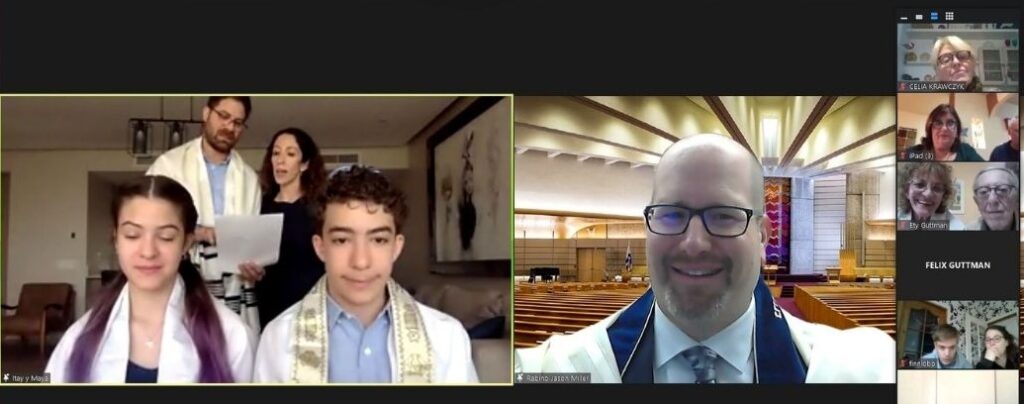
- Framing: Ensure the speaker’s upper body and face are visible. The viewer should see tallit, kippah, and siddur/Torah as appropriate.
Background
- Simple & Neutral: Use a plain wall, bookshelf, or fabric backdrop behind the speaker. Avoid clutter or distracting images.
- Avoid Virtual Backgrounds: They often cause faces or hands to blur or disappear when moving. A real background feels more natural.
Zoom Settings
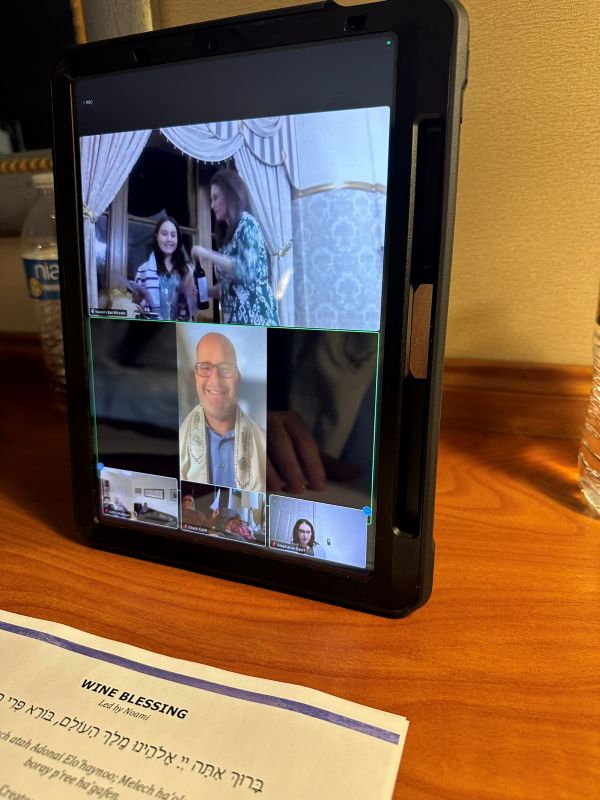
- Spotlight the Speaker: The host should spotlight whoever is leading at the moment so all participants see the main speaker.
- Record the Service: Enable recording so the family has a keepsake.
- Gallery Moments: For certain moments (like singing “Siman Tov u’Mazel Tov”), consider switching to gallery view to see all faces.
- Waiting Room: Use the waiting room so guests can be admitted smoothly and latecomers don’t interrupt the service.
Rehearsal
- Tech Run-Through: Schedule a short Zoom rehearsal with the bar mitzvah family. Test sound, lighting, camera, and spotlighting.
- Assign a Tech Host: Have one person dedicated to muting/unmuting, spotlighting, and managing guests. This allows the service leaders to focus on the ritual, but Rabbi Jason can also handle this aspect of your Zoom bar mitzvah or Zoom bat mitzvah service.